
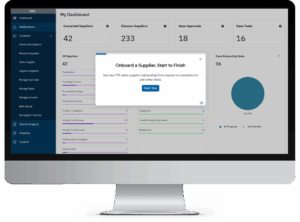
What you’ll see in the tour
A request that starts clean
The requester submits one standardized request, and TYS checks the network for an existing supplier first.
Approvals that route themselves
TYS works out which teams need to approve, then sends the invite once they sign off.
A supplier who builds their own profile
The supplier registers in TYS Connect, adds company details, completes assigned questionnaires and enters bank details.
One record to review
Procurement sees questionnaires, documents and bank validation results together, then onboards the supplier.
Four stops in the tour
1Requester
Existing supplier checkNot on network
Supplier requestSubmitted
2Approvers
Finance and InfoSecApproved
Supplier invitationSent
3Supplier
Company profile100% complete
Bank detailsEntered
4Procurement
Questionnaires, documents, bank detailsIn one record
SupplierOnboarded