
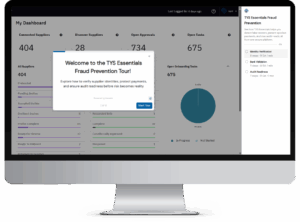
What you’ll see in the tour:
A supplier record that doesn’t add up
Open a supplier in pre-screening and review what it submitted. A mismatched Date Established field is flagged for verification before approval, and a verified EIN gets a green check.
A bank account that doesn’t check out
Follow a bank account from the supplier’s portal into your team’s view. Details are checked against trusted sources, and the account that fails shows which fields triggered it: the account holder name and the IBAN in this example. Then see how your team is notified, and how a later change to bank details is flagged.
An approval trail you can show an auditor
Open the approval history. Tax forms, insurance certificates, and compliance files sit in one place. Expiring documents are flagged, and every action is time-stamped on a tamper-proof ledger.
Three stops in the tour